|
|
|
|
|

|
|
|
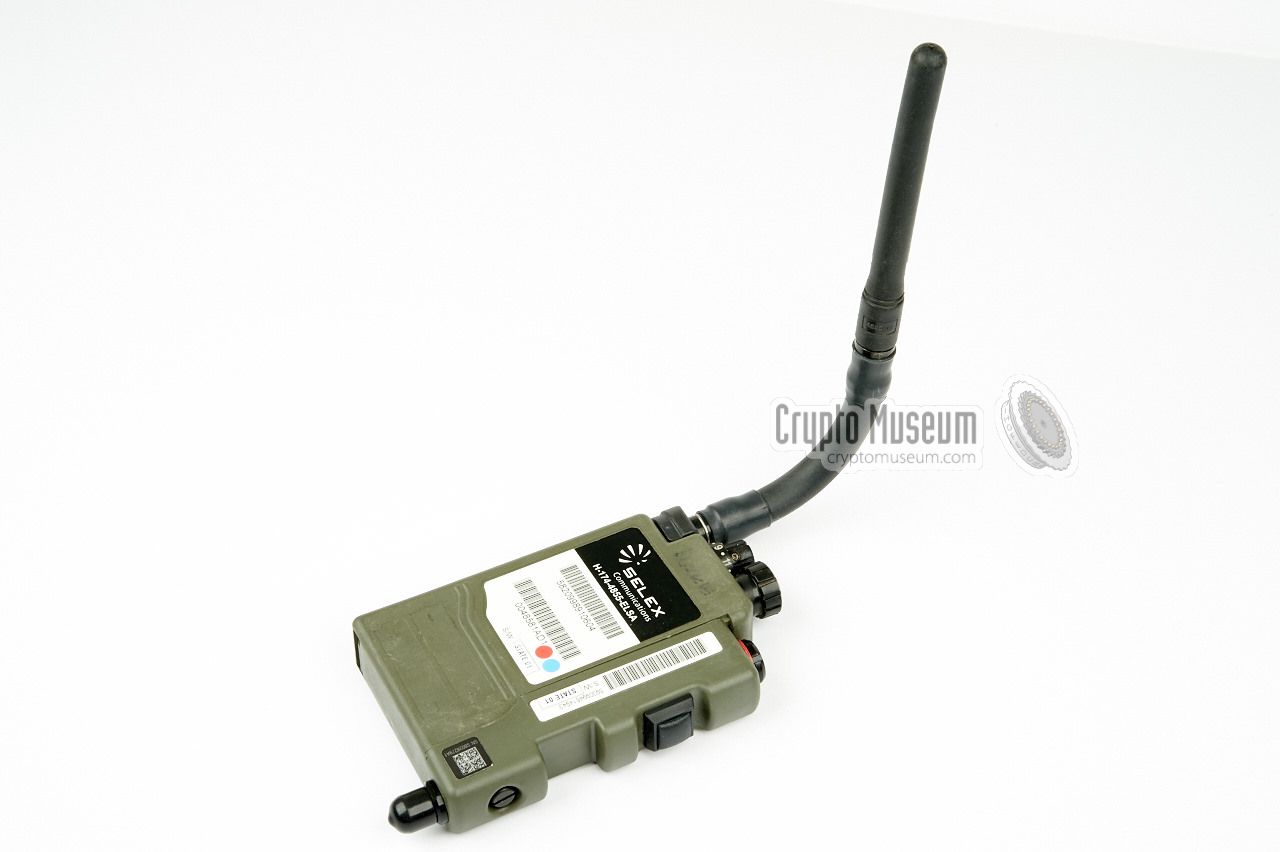
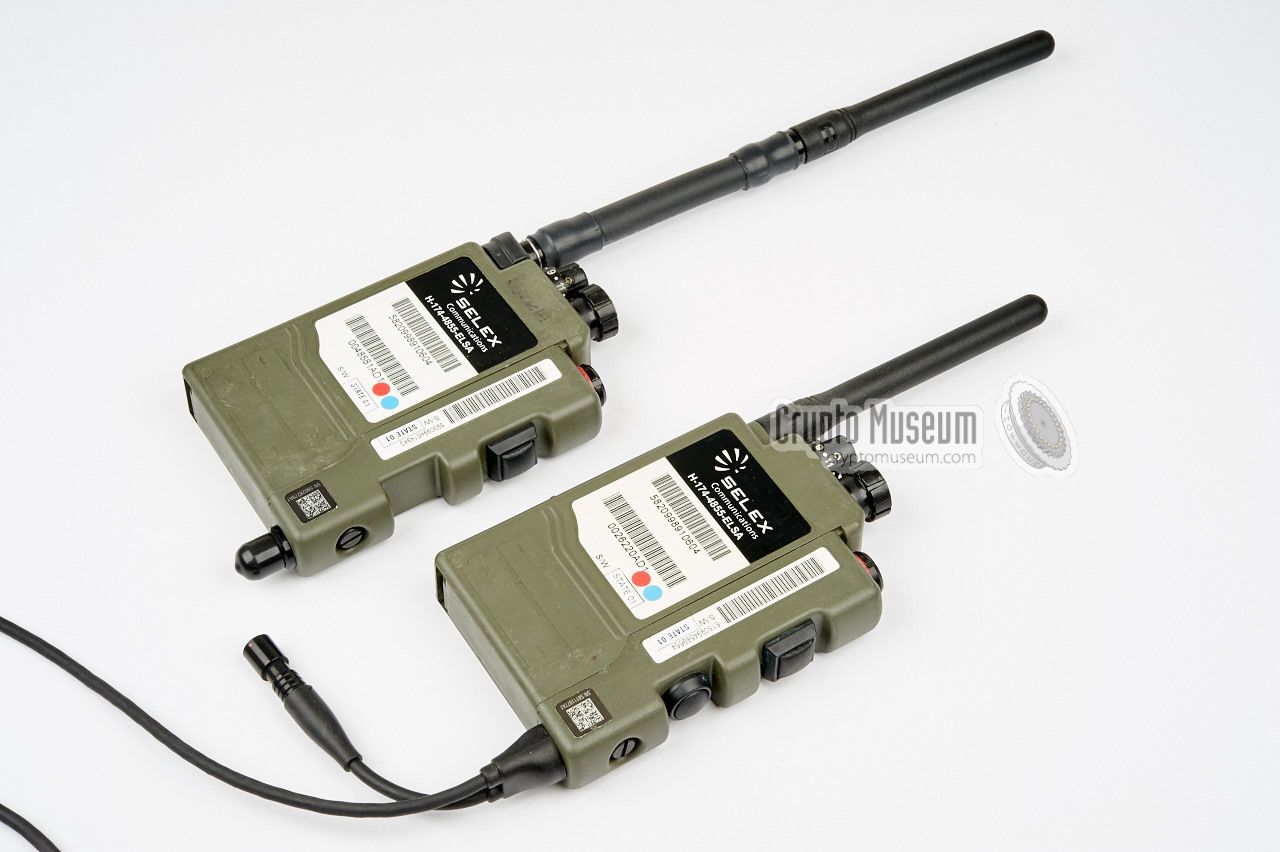
Selex EZPRR
H-174-4855-ELSA
|
|
|
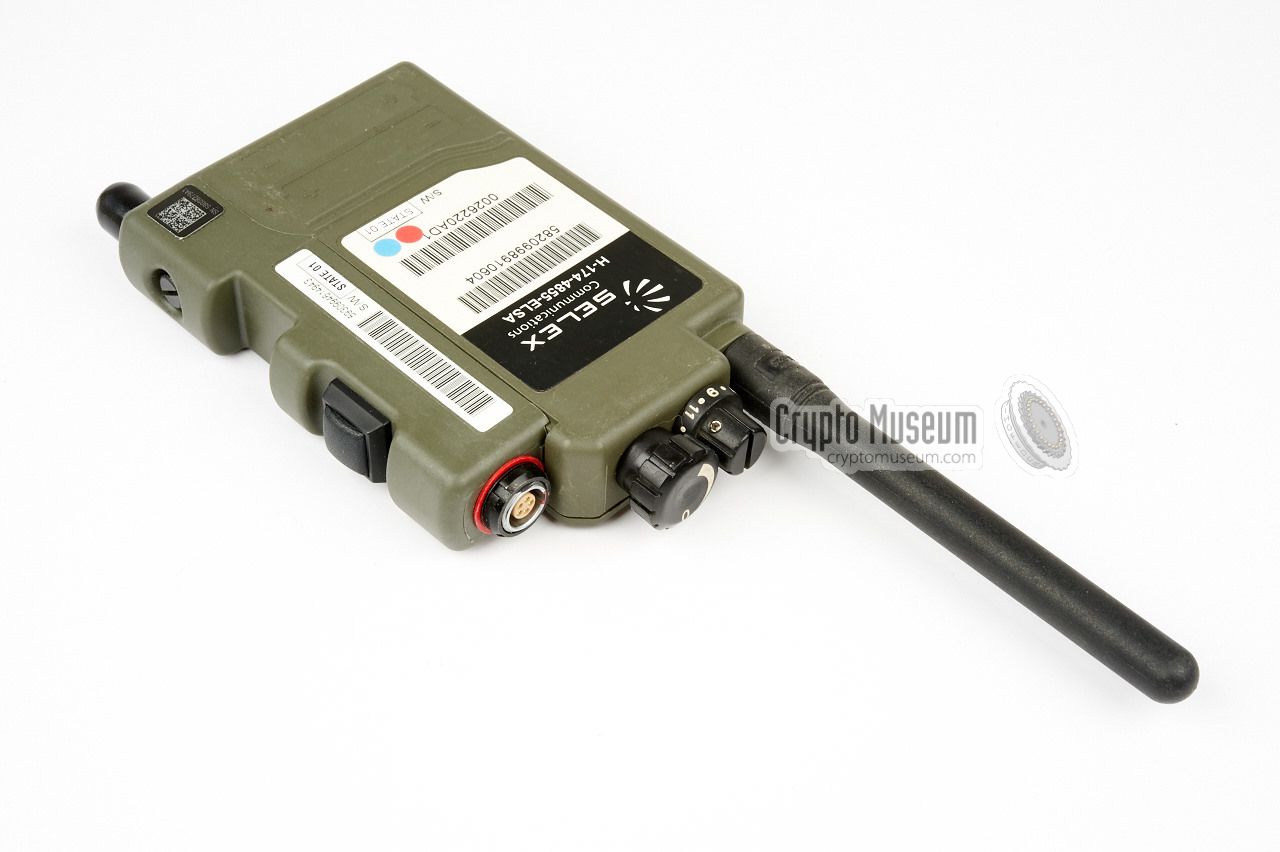
Enhanced Encrypted Personal Role Radio
EZPRR is a short range Personal Role Radio (PRR)
for military use,
developed by Selex ES 1
in the UK in 2005.
It is the successor to the PRR (H4855)
and offers extended range,
data transmission and full
voice/data AES128 encryption.
The radio is typically used by Special Forces (SF) units, reconnaissance squads
and infantry sections for direct tactical soldier-to-soldier communication.
EZPRR is sometimes written as EZ-PRR. The radio is also known
as H-174-4855-ELSA.
|
The radio operates in the 2.4 GHz band and uses spread spectrum
technology. It weighs 1.5 kg and is powered by two 1.5V AA-size
penlight batteries, allowing 20 hours of continuous use.
It is a low-power device with a range of approx. 800 m,
and works well through the thick walls of a building.
The EZPRR is used by all British Forces, some US forces and
even by UN peace keeping forces. The device is typically
issued to every member of an eight-person infantry section.
A separate wireless Push-To-Talk (PTT) unit with a 2m range
is available as an option.
|
|
|
The device offers 256 communication channels, 16 of of which can be
selected directly via the channel selector. Only channels 1 to 14
can be encrypted. Channels 15 and 16 operate 'in clear' in order to
provide backward compatibility with the earlier
unencrypted Selex PRR radios.
A small hidden rotary switch further allows
16 of such 16-channel banks to be selected.
|
-
Selex ES
was formerly known as Selex Communications and before that
as Selenia Communications and
as Marconi.
On 28 march 2016, the company was renamed
Leonardo,
after its parent company.
|
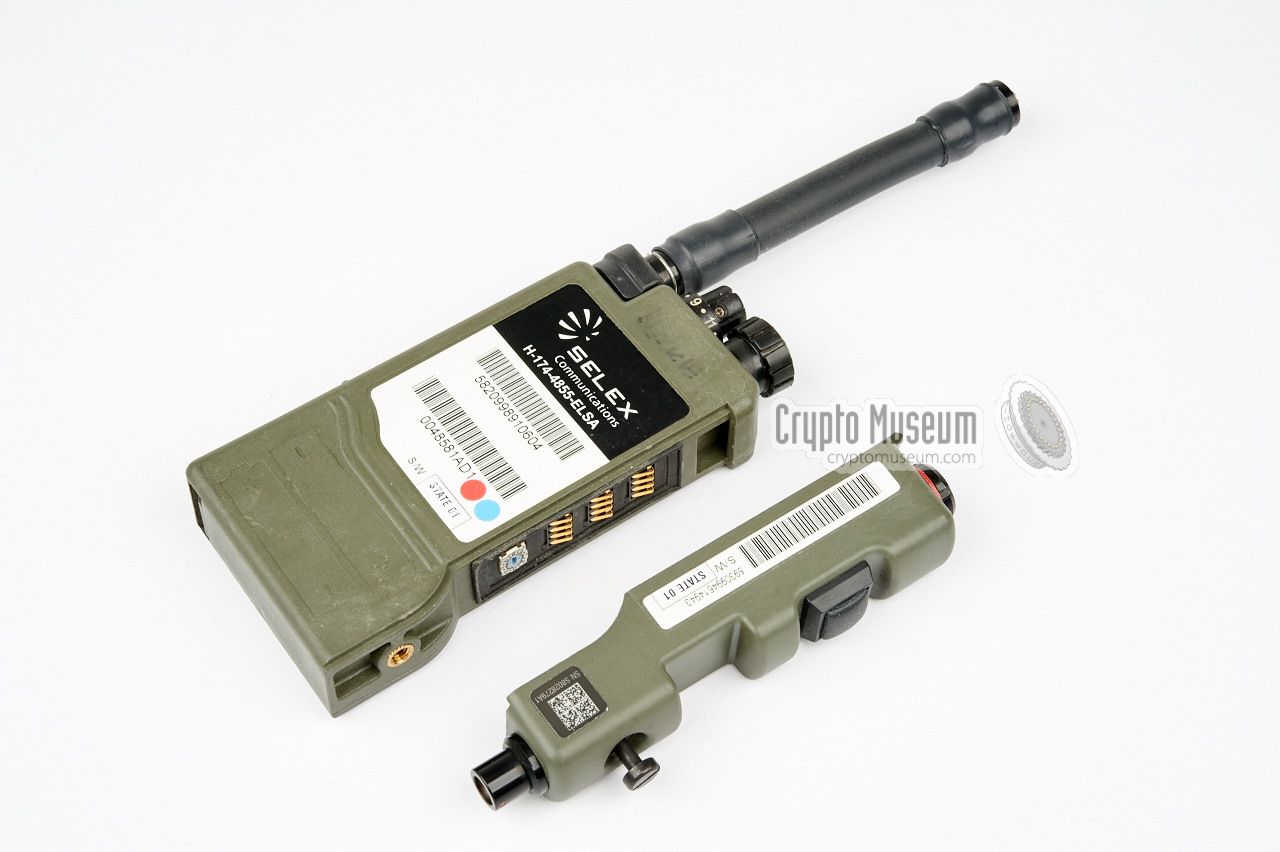
The diagram below gives a quick overview of the controls and
features of the EZPRR. The device has the same form factor and
controls as its predecessor, the PRR. A removable switch pack
is attached at its right side and allows it to be configured
for different applications. It is shown here with the standard
single-PTT switch pack. The enhanced antenna offers a better gain
and, hence, an increased range. Furthermore, the HF output has
been increased from 50 mW to 100 mW.
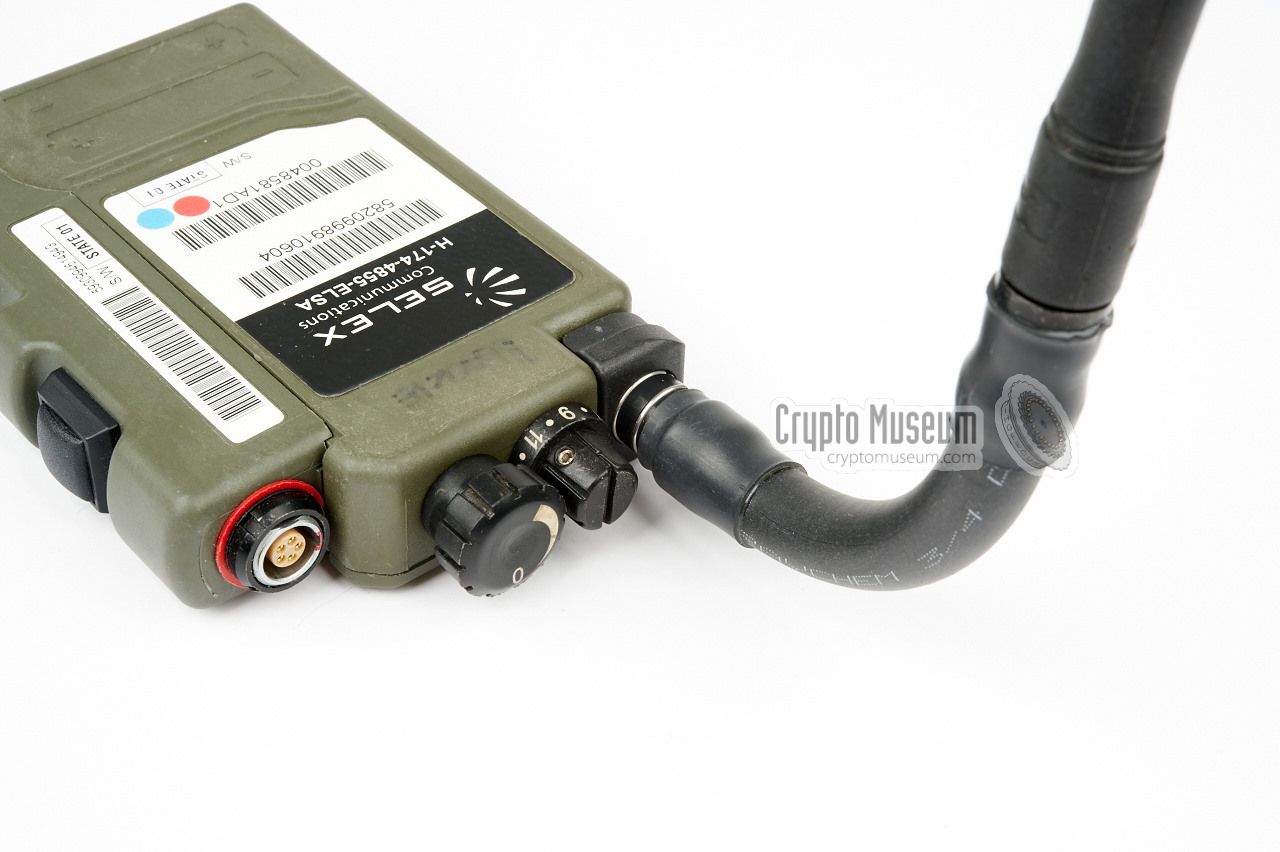
A suitable headset should be connected to the headset socket
at the top. Transmission is operated by pressing the PTT button
at the side of the radio, or by means of an (optional) external
wireless PTT. The set can be enhanced in several ways, for example
by swapping the switch pack for a dual-role one, adding a GPS
receiver, or using a Special Forces (SF) headset.
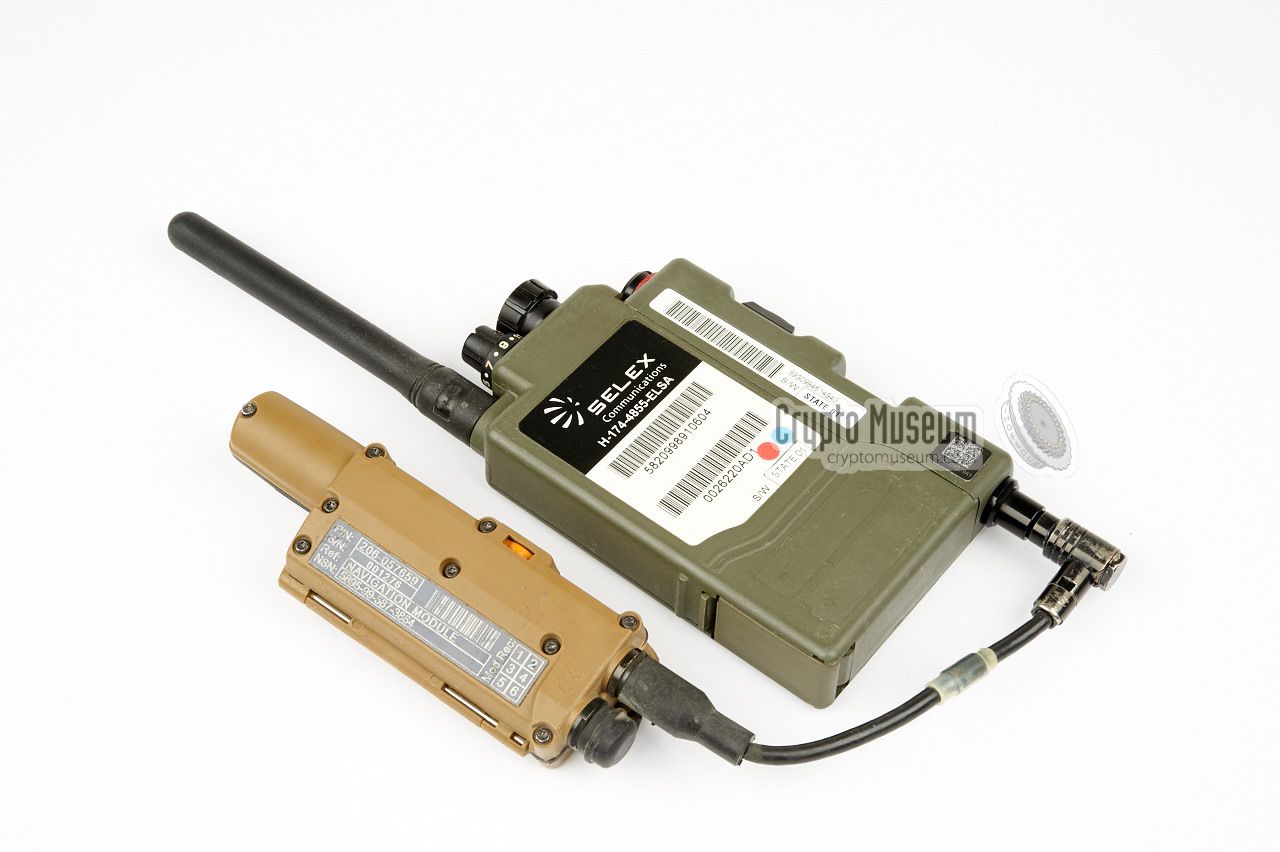
The diagram above shows a Selex EZPRR with the optional Thales
GPS receiver. It is connected to the data socket of the EZPRR
and should be located at the side of the radio. Special carrying
pounches are available that can bold both devices.
Frequencies and cryptographic keys are programmed by means of
a PC with special software that is connected to the headset socket.
|
A simple lightweight headset is supplied with every PRR. It has a very
short cable and connects directly to the headset socket on the PRR.
The headset consists of a single earpiece with an adjustable gooseneck
noise-cancelling microphone mounted at the bottom. Elastic straps are used
to fixate the headset on the operator's head. At the end of the short cable
is a black LEMO connector that mates with the headset socket on the PRR.
|
|
|
|
As an alternative to the standard headset shown above, special
in-ear headsets were available, such as the Racal Frontier set shown here.
These headsets are particularly popular with Special Forces (SF)
and provide hearing protection as well as 'talk-through', so that
the operator can still hear the surrounding sound.
|
|
|
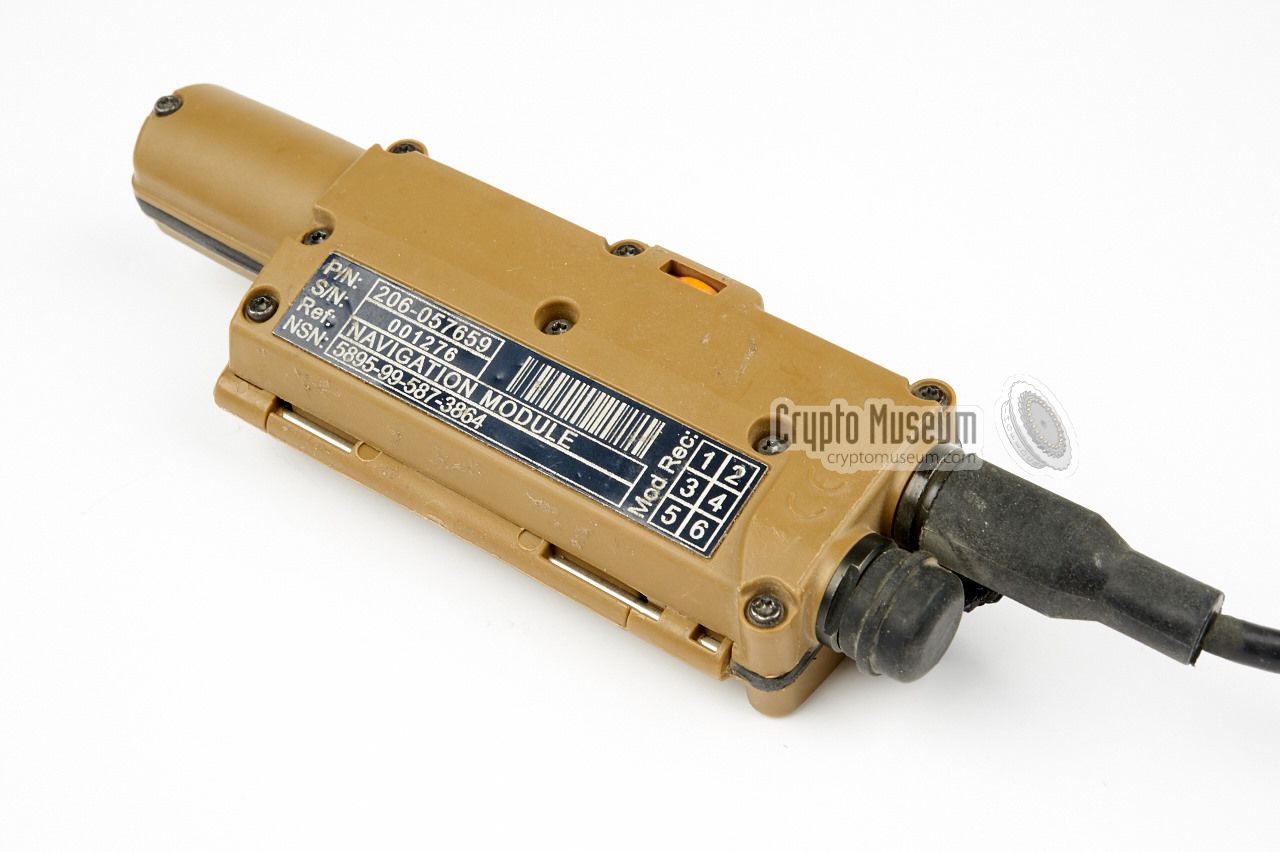
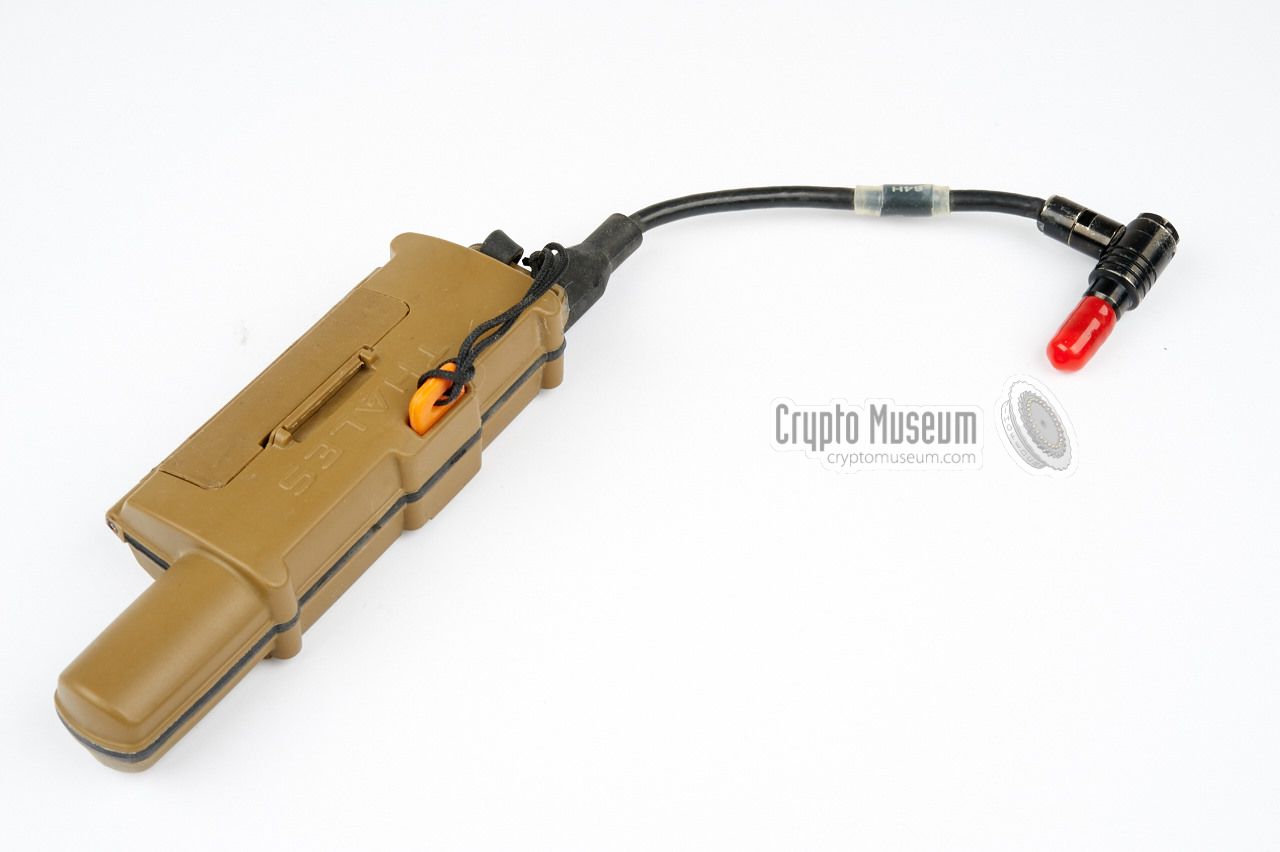
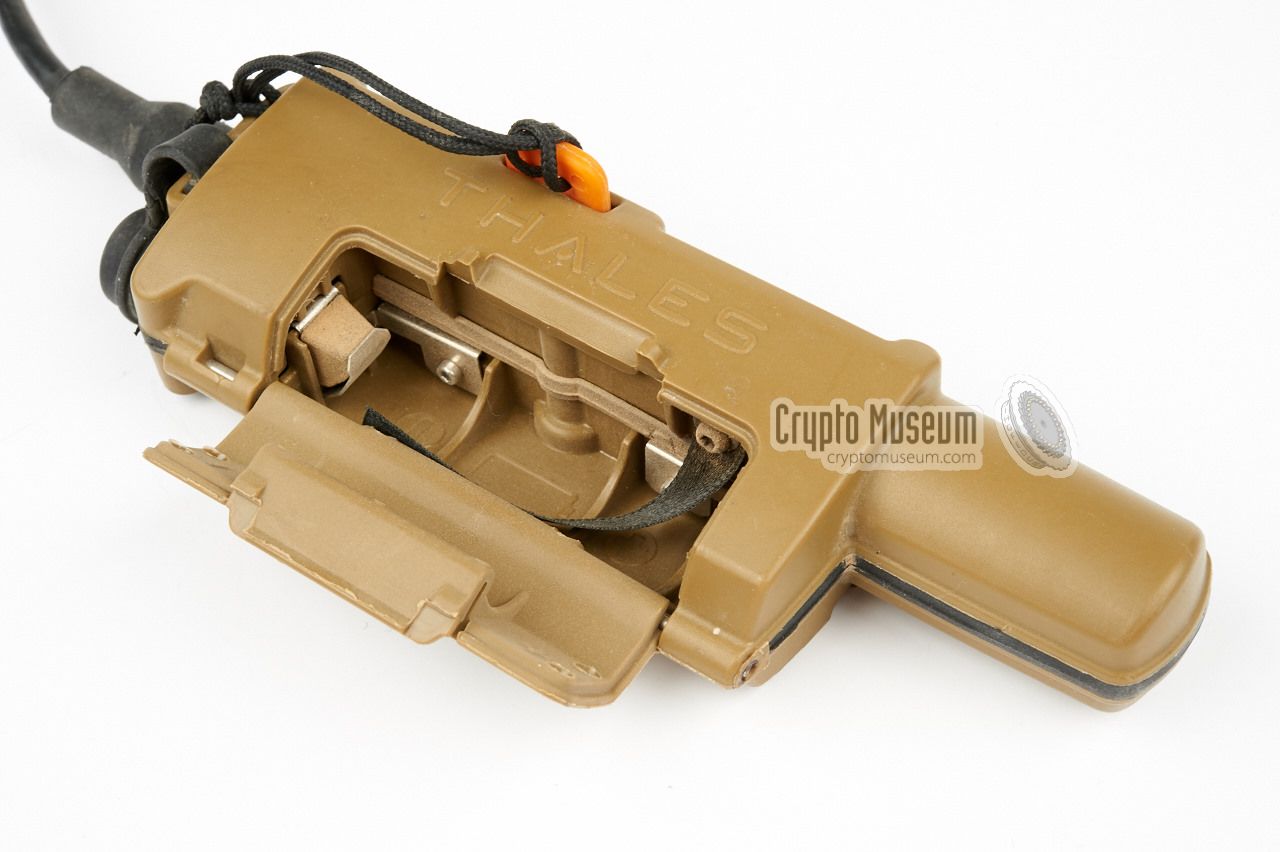
The EZPRR can be enhanced by connecting an external GPS receiver
to its data socket. The image on the right shows the Thales GPS
receiver (or Navigation Module as it is called)
that was developed especially for this purpose.
It is fully compatible with the Infantry Soldier Situational
Awareness Tool (ISSAT) and allows somewone with an ISSAT terminal
to see the current position of each platoon member [2].
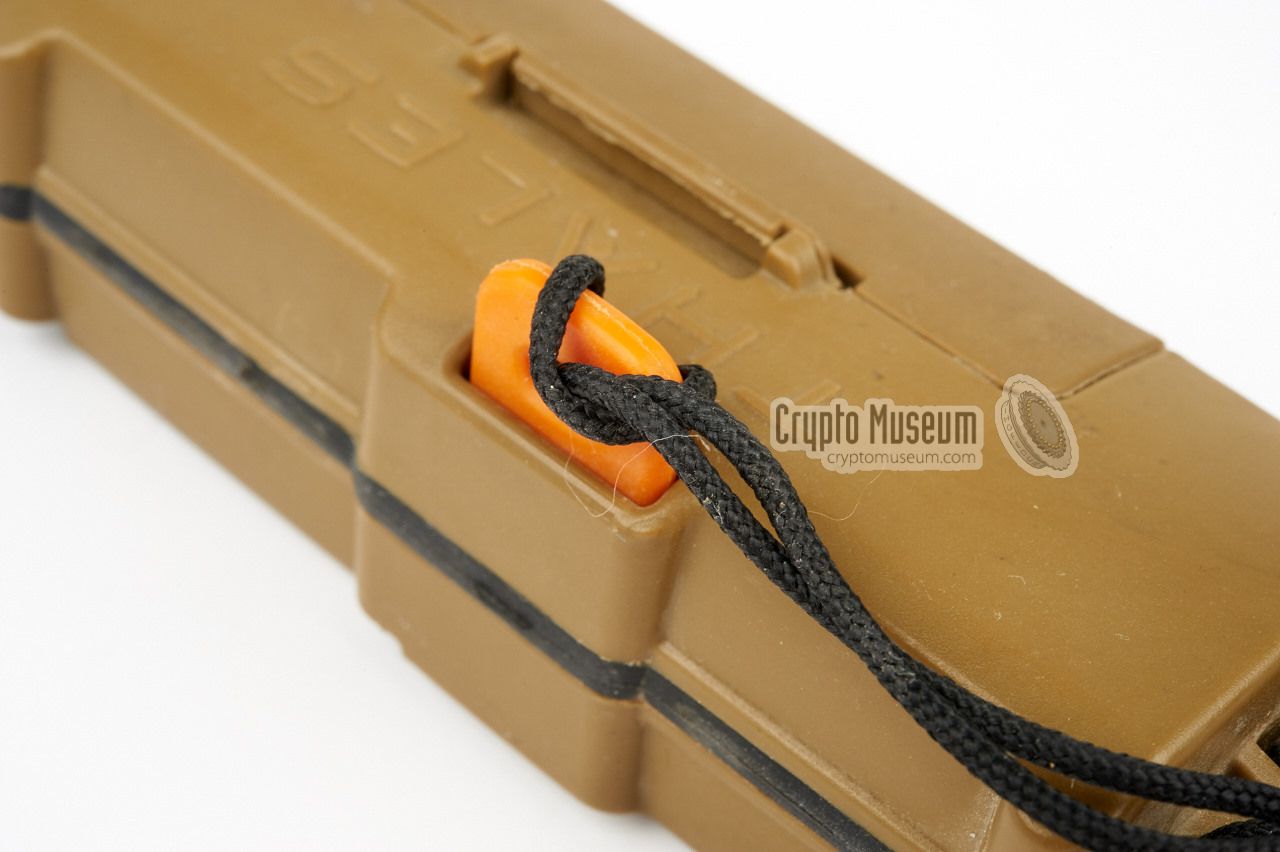
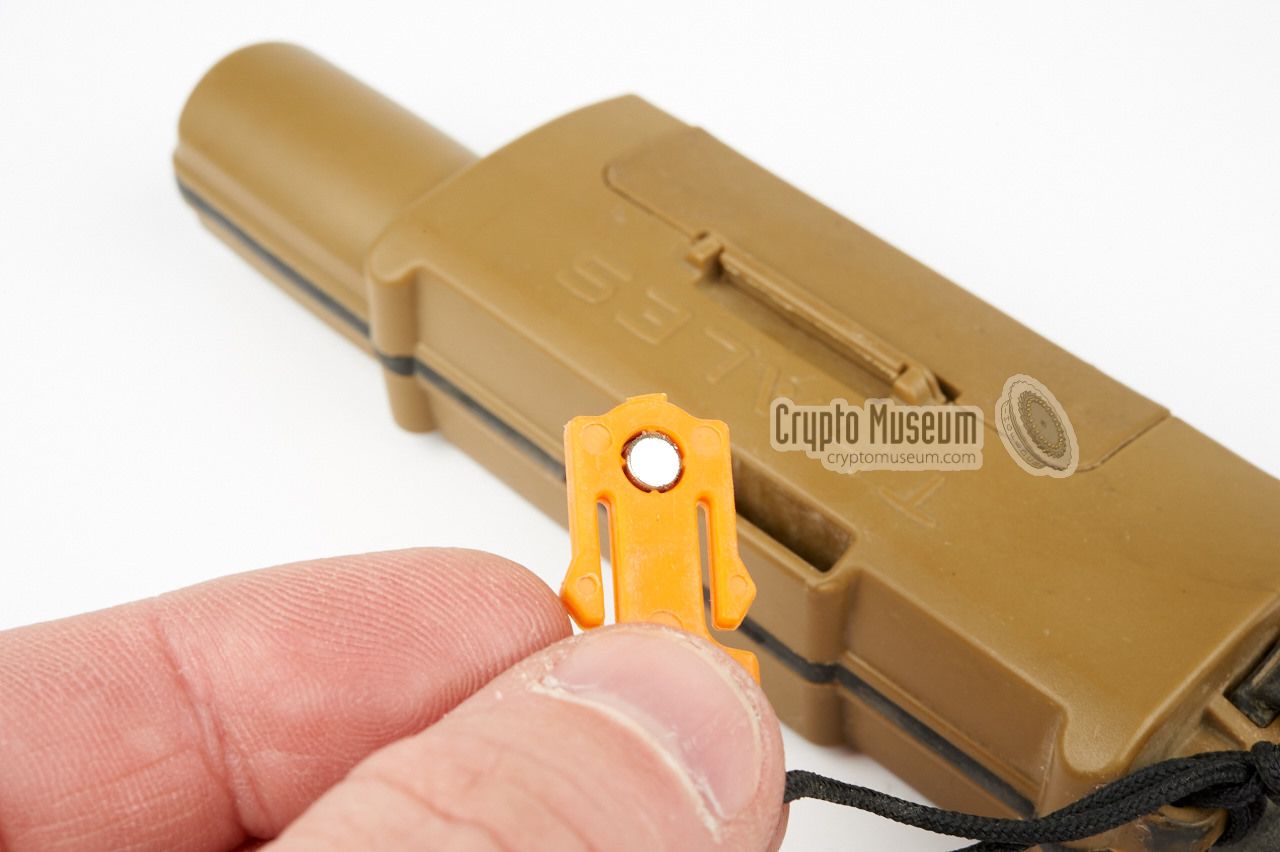
In case of a casualty, the soldier can pull the
orange plug
in order to send a distress signal.
|
|
|
|
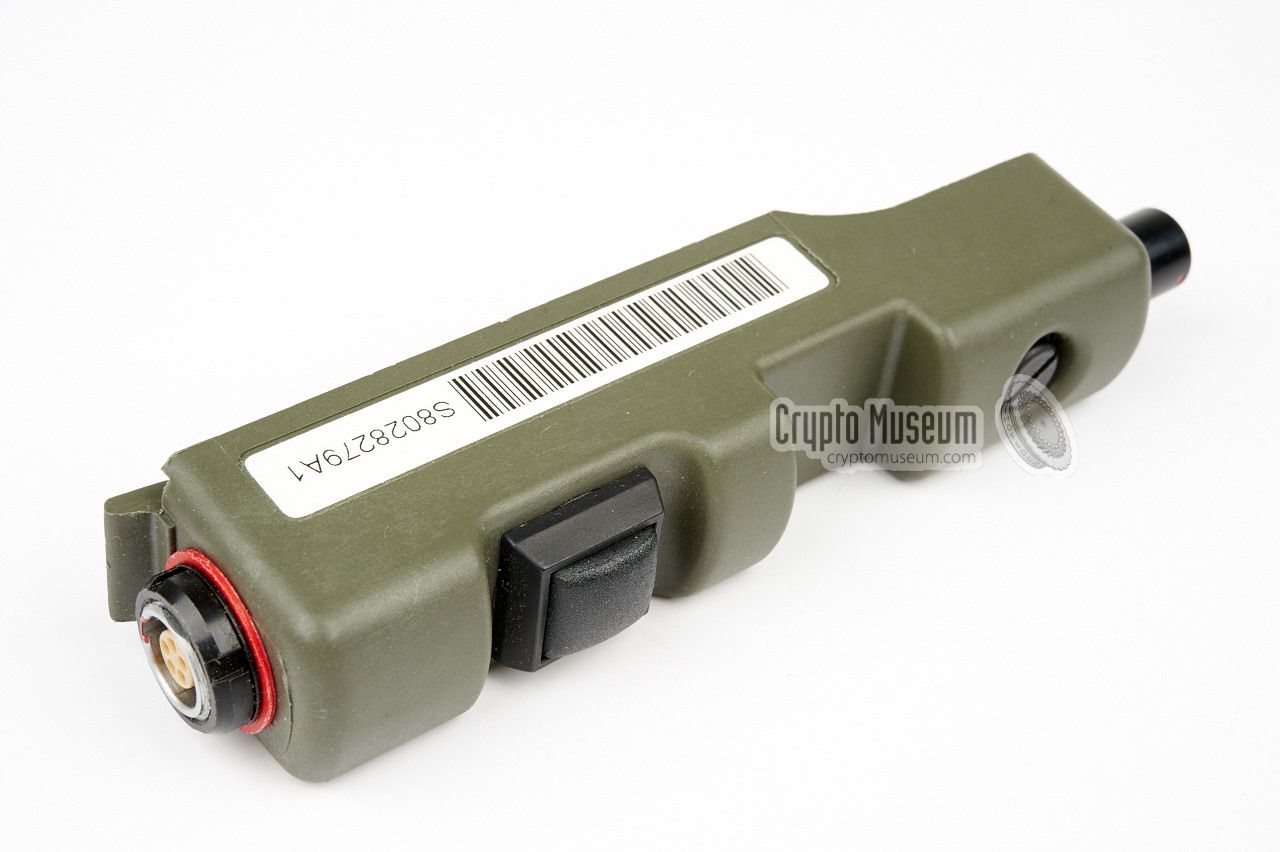
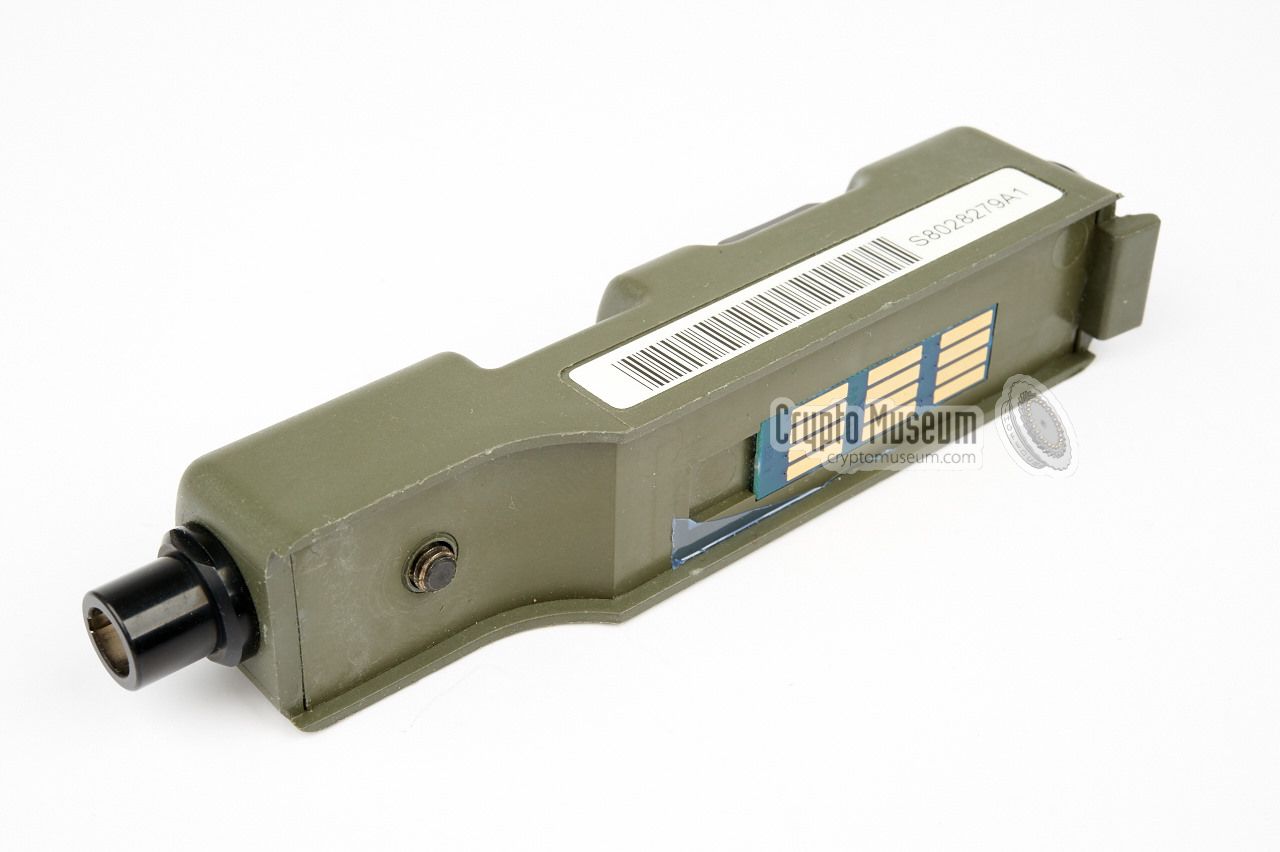
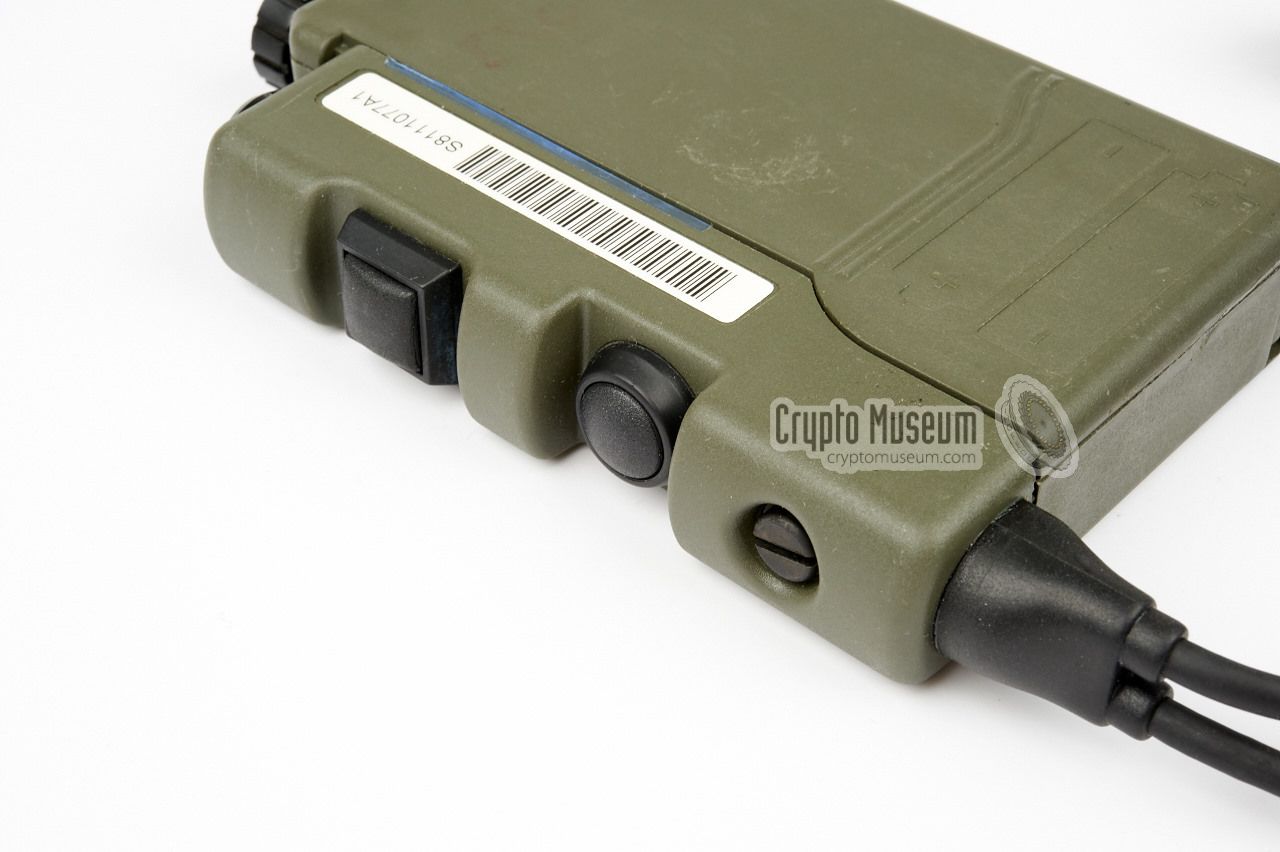
By default, each EZPRR comes with the single PTT switch pack
shown here. It has a connection for the headset at the top and
a socket for connection of the optional GPS locator at the bottom.
The PTT is at the side. The switch pack is mounted to the radio
by means of one bolt.
|
|
|
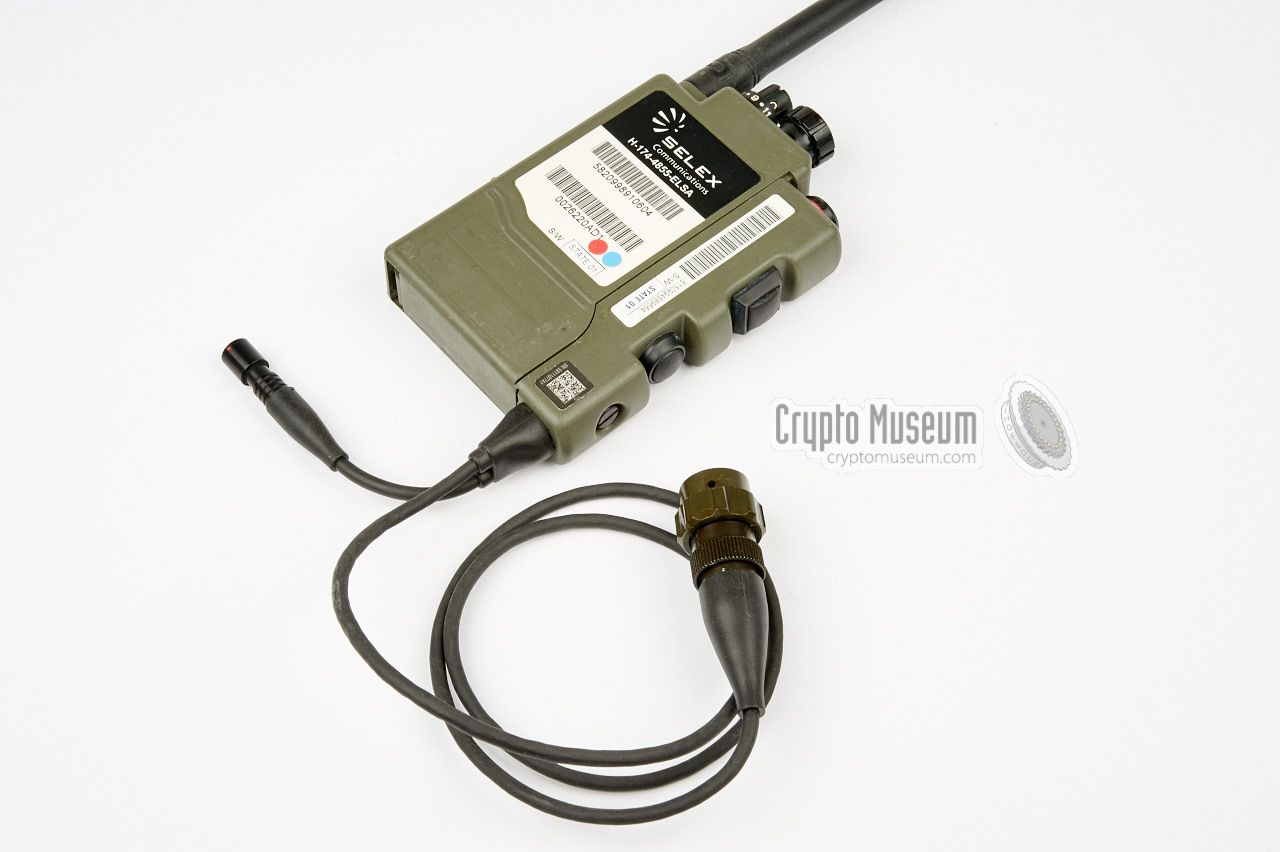
As an option, the switchpack of the EZPRR can be swapped
for a version with two PTT buttons, allowing an external radio
to be controlled directly from the EZPRR's headset.
The dual PTT option has a fixed cable with a connector at the end,
for connection to the external radio.
The one shown here was made for the Clansman series radios,
but other types are available as well.
|
|
|
|
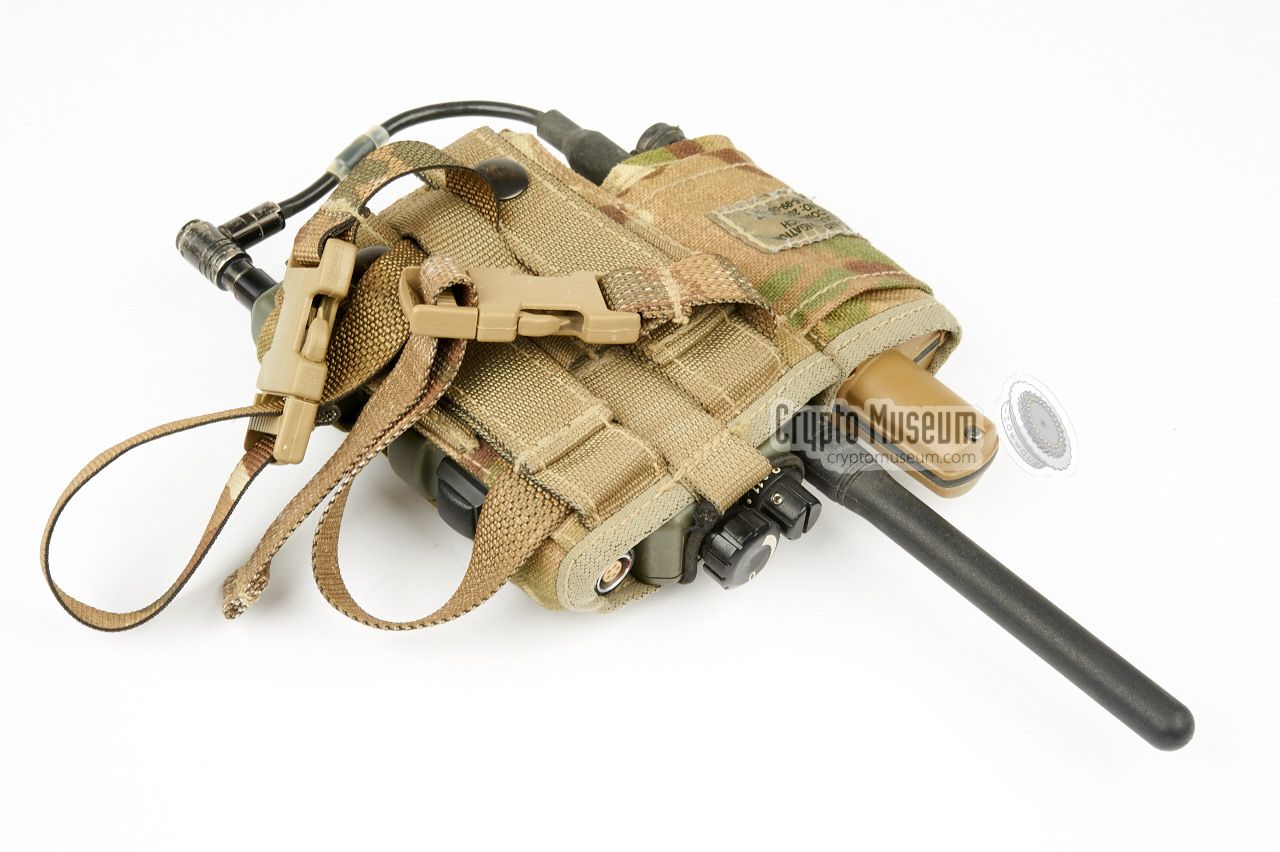
Various carrying pouches are available, such as the one
shown here. It has camouflage colours and can be attached
to the soldier's webbing kit. The one shown here also has
room for the optional GPS locator.
|
|
|
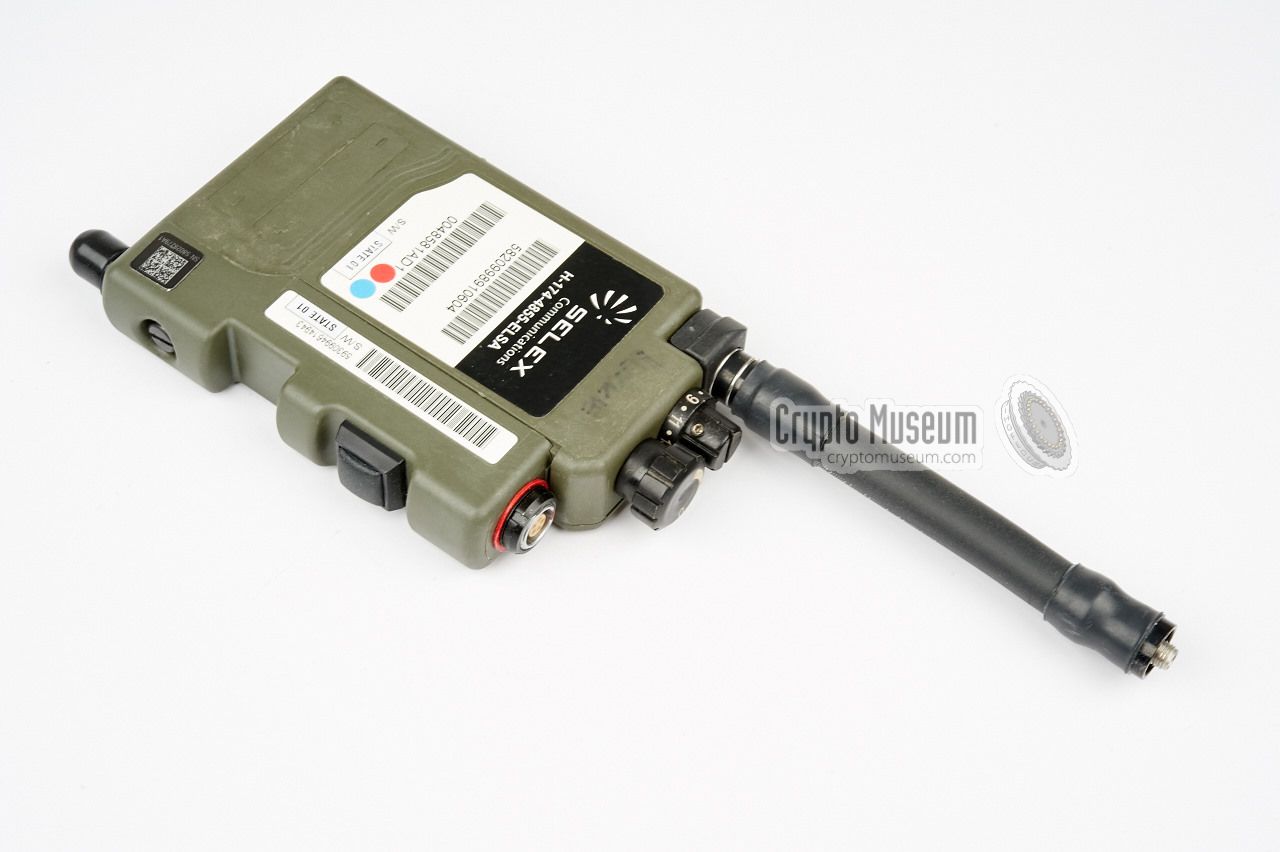
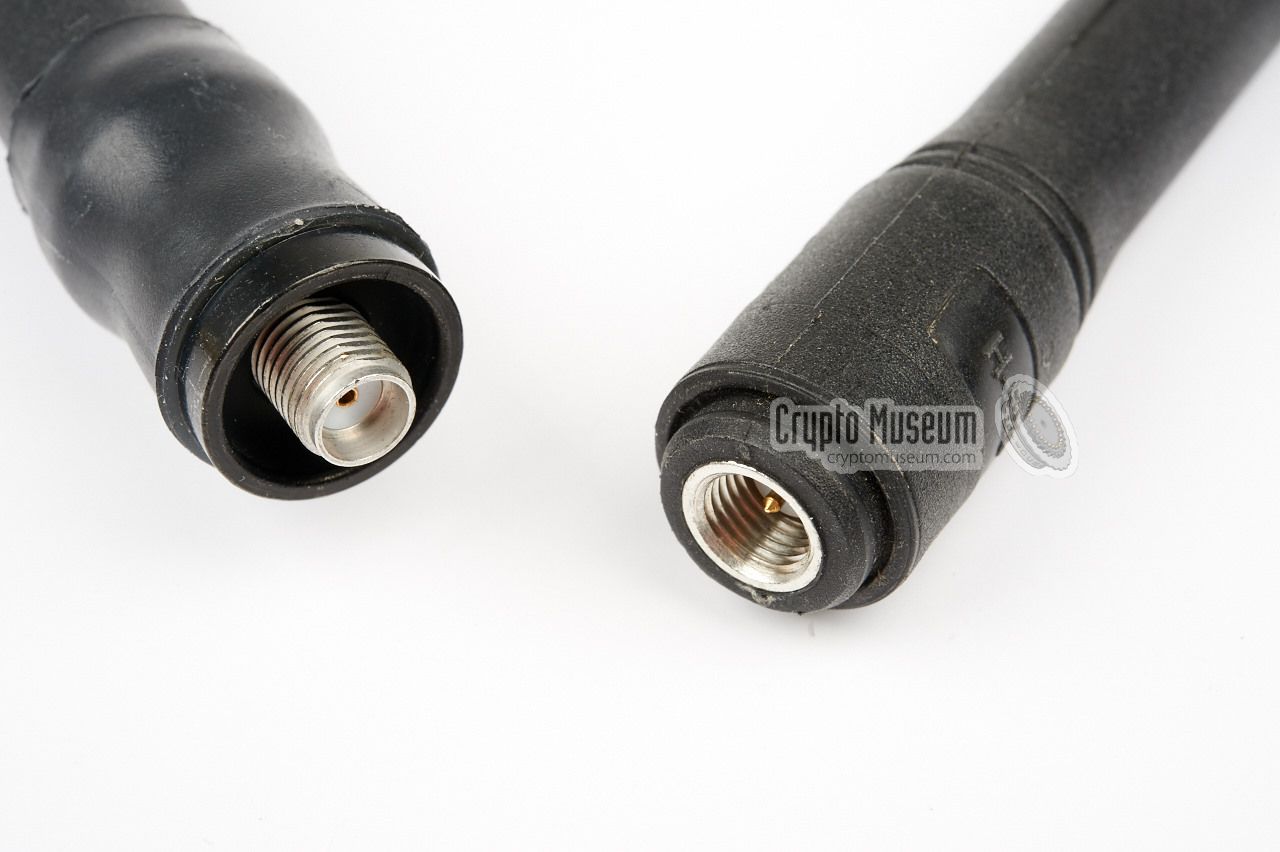
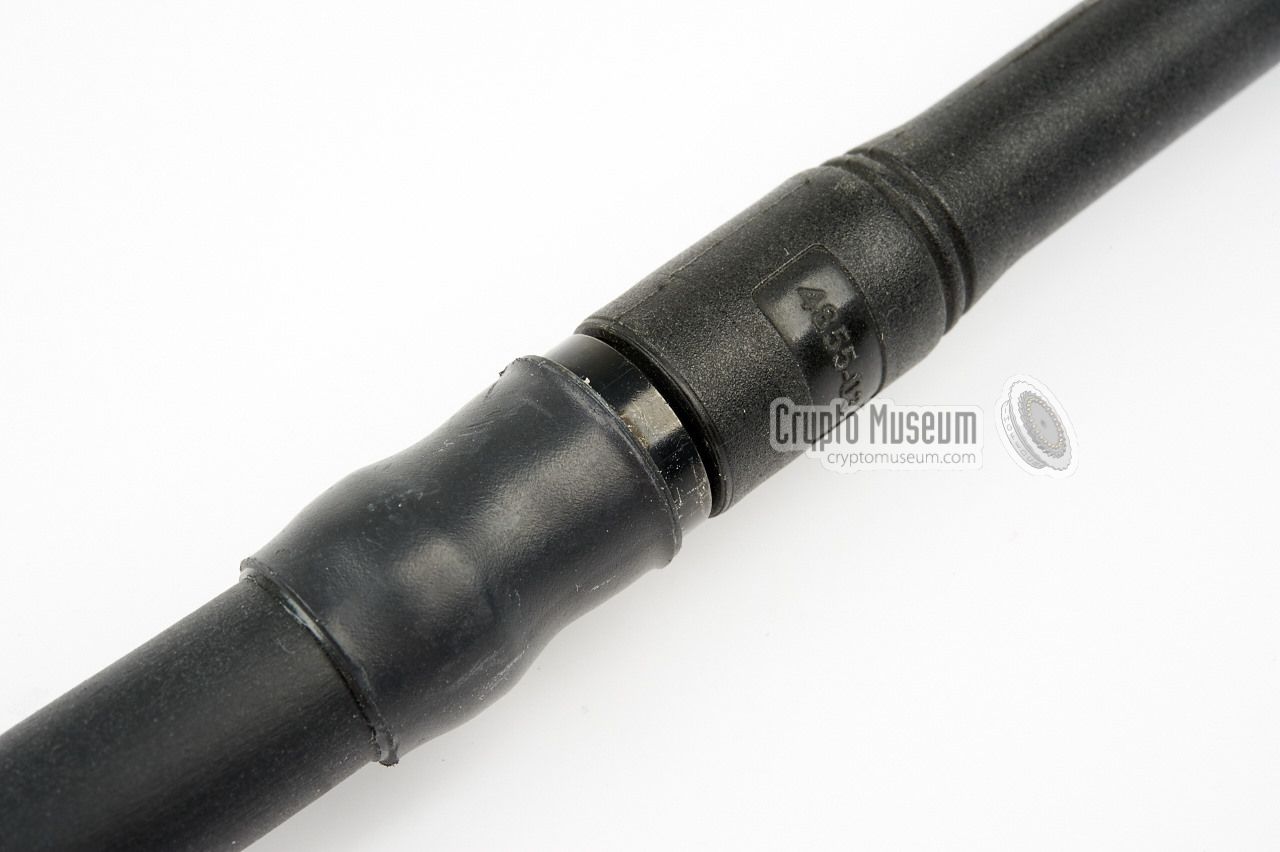
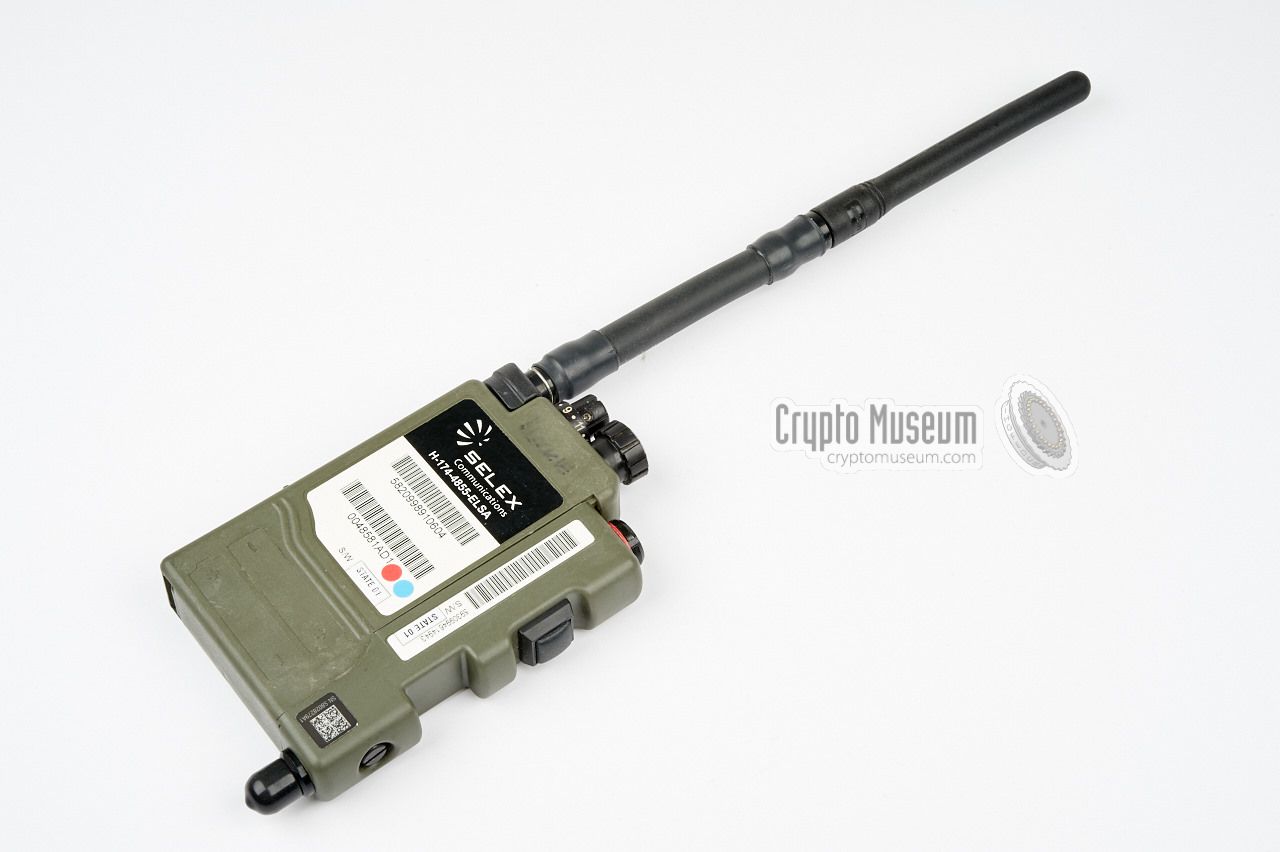
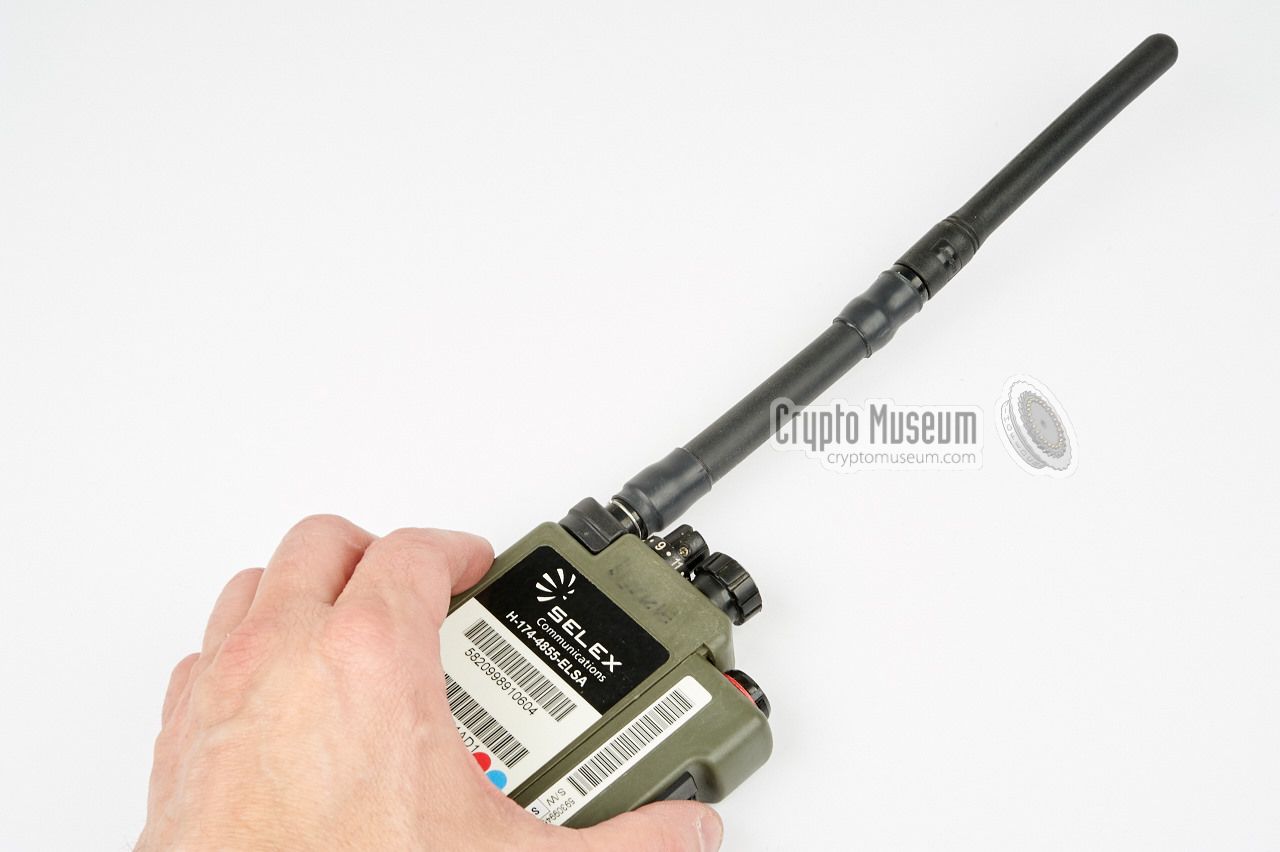
In order to extend the range of the EZPRR compared to
the older PRR, a longer antenna with a better gain is
used. Together with the enhanced power ouput,
this effectively doubles the radio's operational range.
The antenna can be mounted directly to the antenna
socket of the radio, but can also be mounted on top of the
goosenex extension.
|
|
|
|
For special field requirements, in particular for use by
Special Forces (SF), a gooseneck option for the antenna
was developed. It is fitted between the radio and the enhanced
antenna and allows the antenna to be positioned independantly
from the radio.
|
|
|
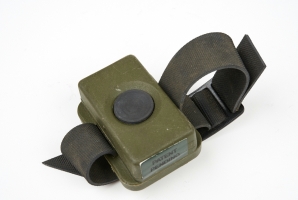
The transmitter of the EZPRR can be activated by pressing the PTT
at the side of the device, but also by means of an (optional)
external wireless PTT. This wireless PTT has to be paired
with the radio and is different from the one used with the
older PRR.
Currently unavailable.
|
|
|
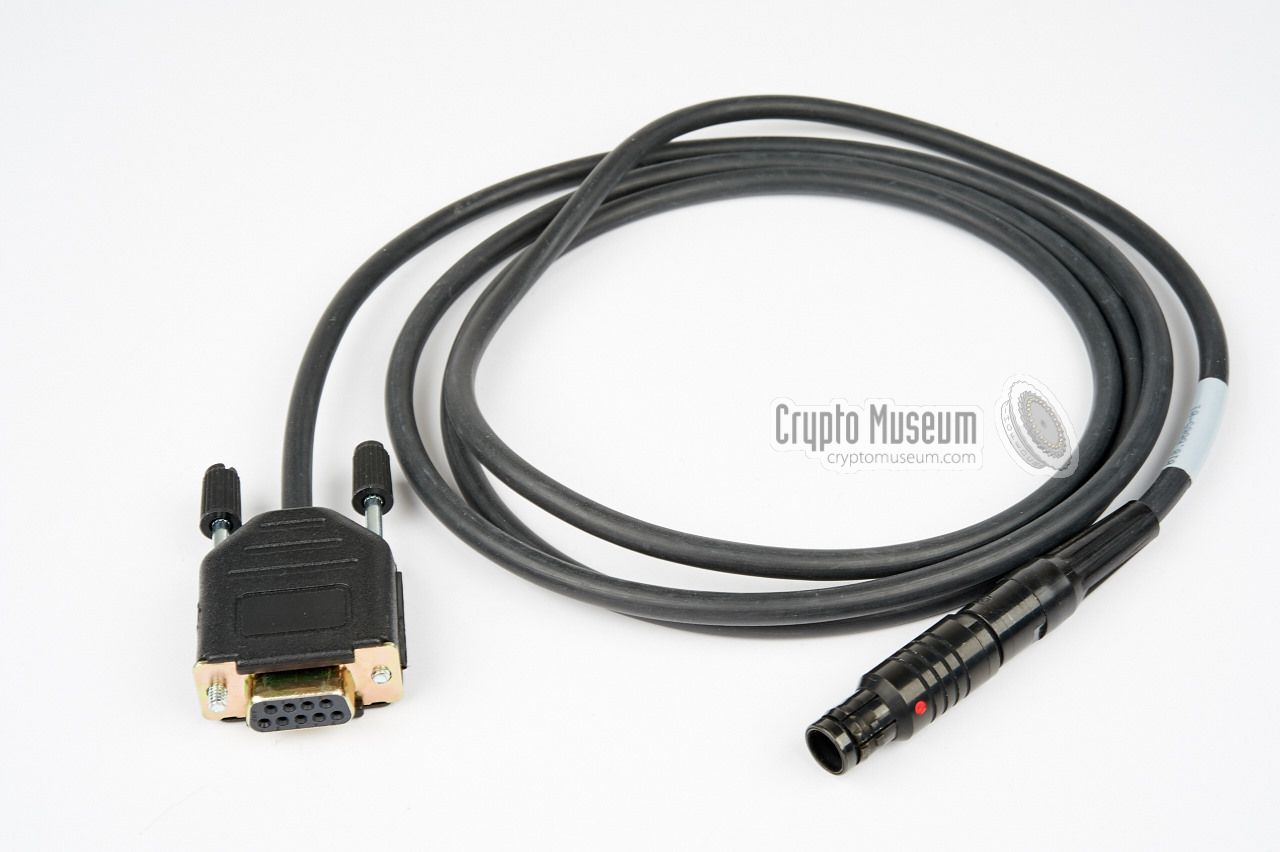
Both the featues and the cryptographic keys of the EZPRR can be
programmed by means of PC-based software. For connection of the
PC, this special programming cable is needed.
One end is connected to the headset socket of the EZPRR,
whilst the other end goes to the serial port (RS232)
of a PC or laptop. If no serial port is available, a suitable
USB-adapter is required.
As present, we don't have the software for this.
If you can provide it, please
contact us.
|
|
|
|
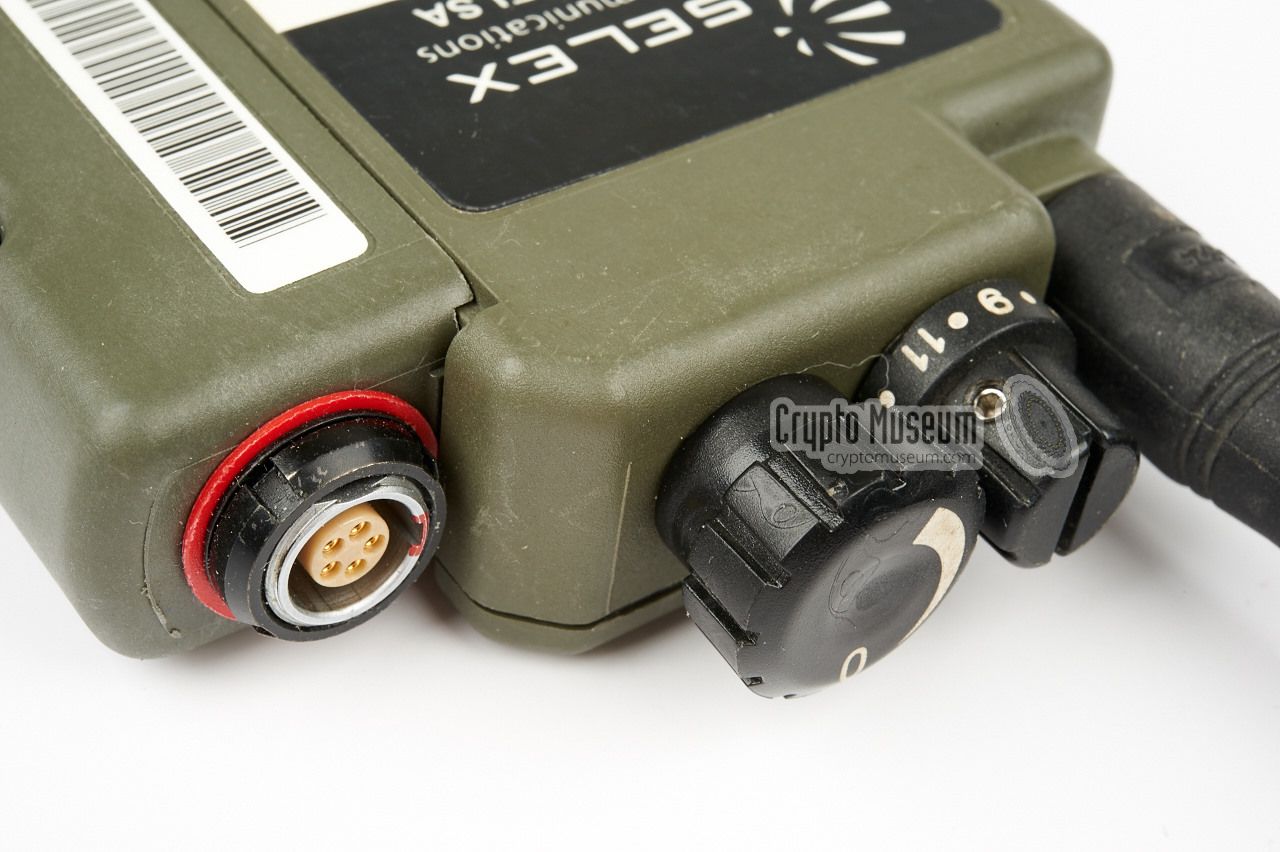
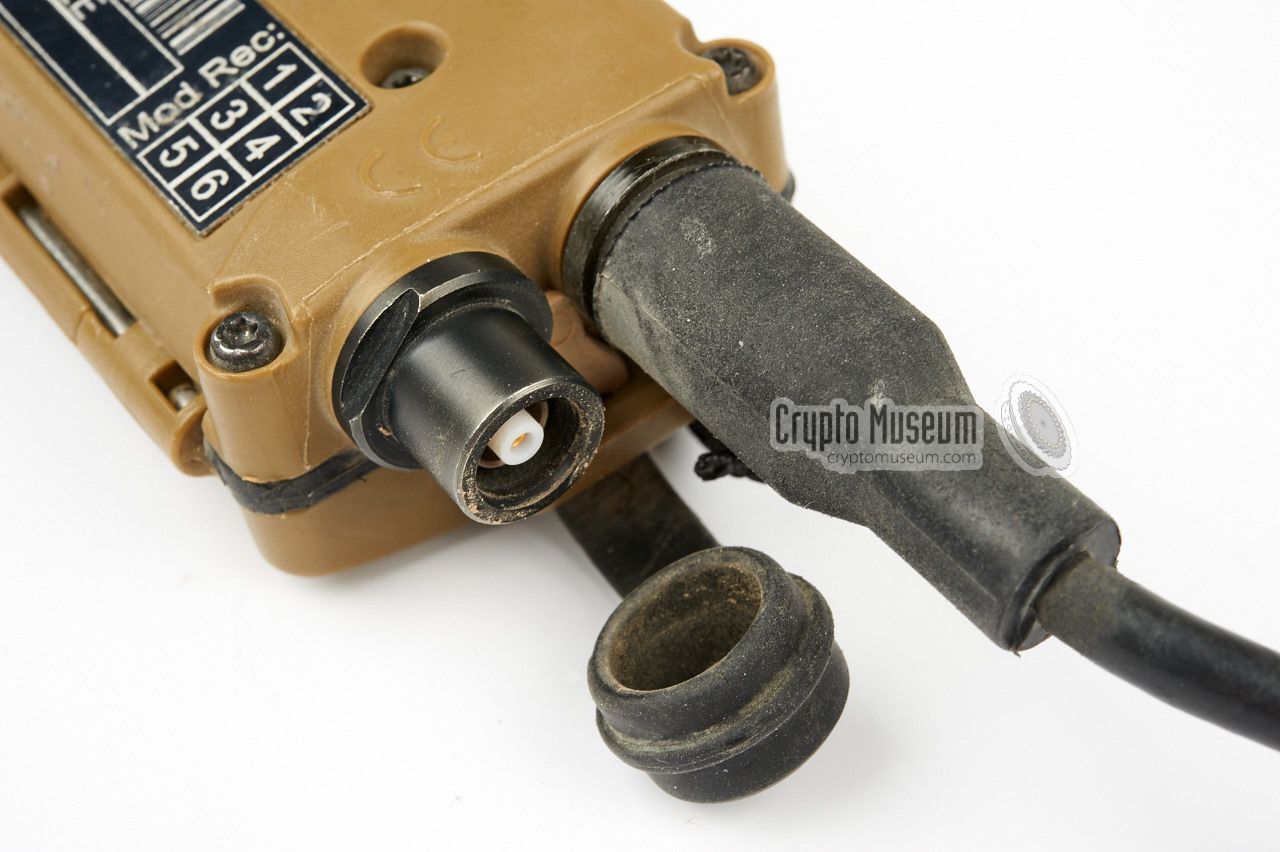
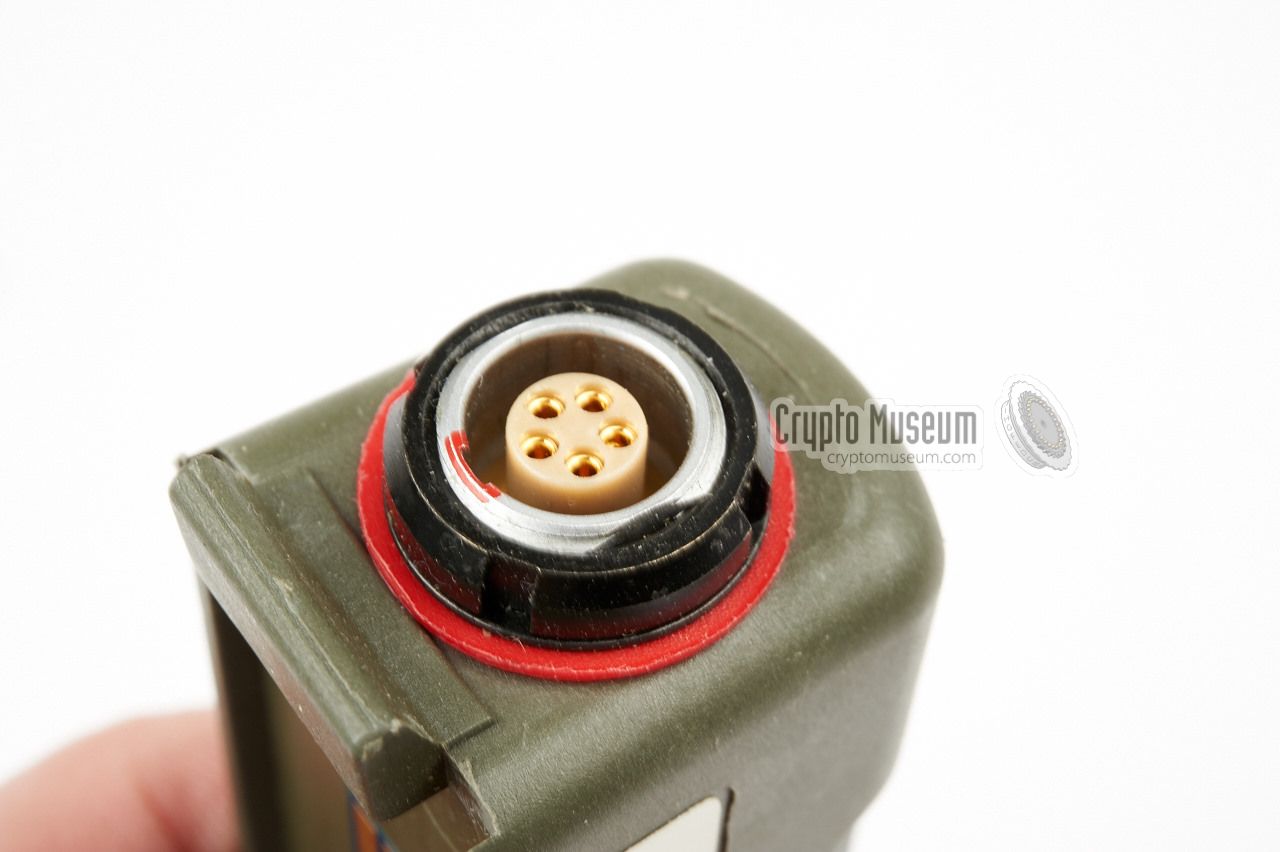
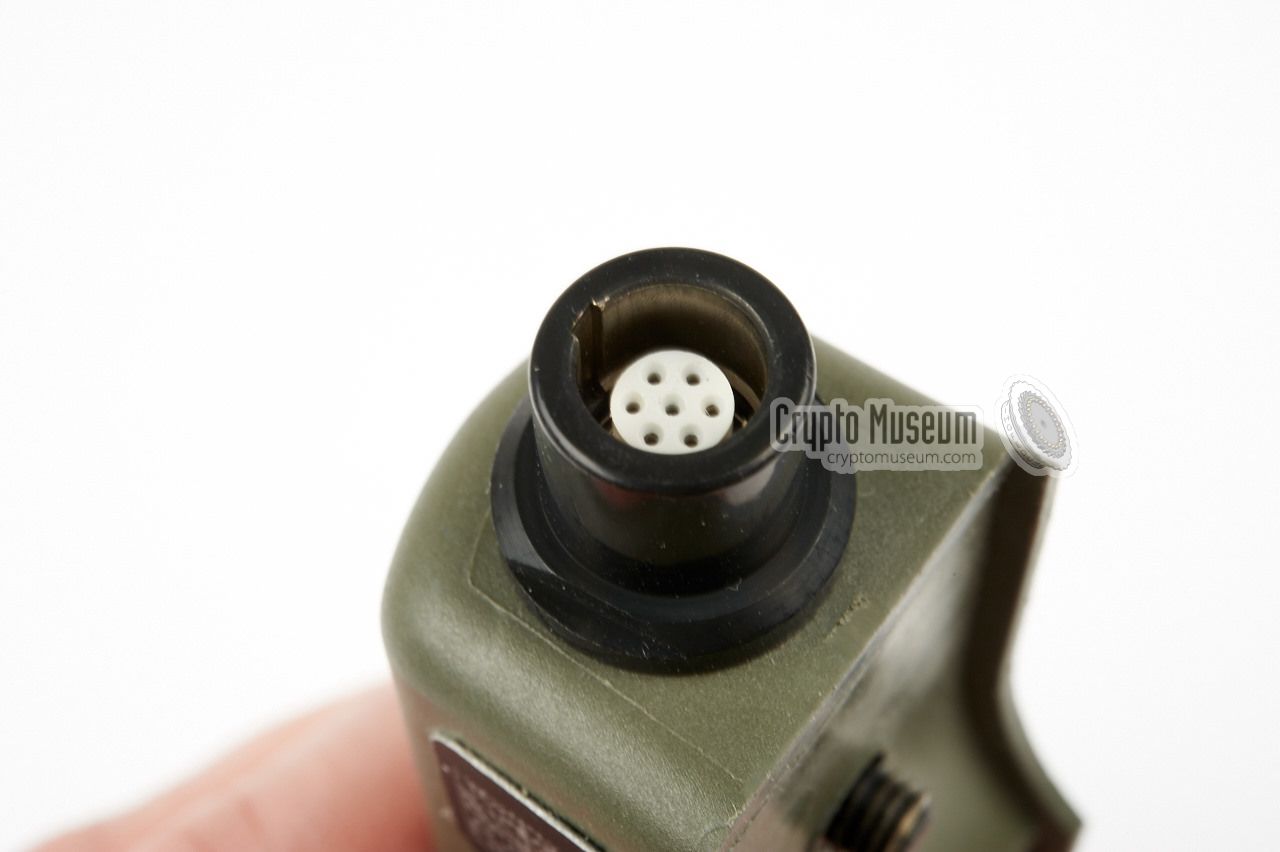
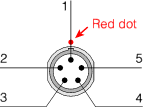
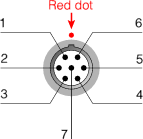
The EZPRR has two sockets for connection of the ancillaries. The one at the
top is for connection of a headset. The one at the bottom is the data socket,
which is used for connection of the GPS receiver.
The order of the connector pins is defined as 'when looking into the socket'.
|
MIC Mircophone (in) PTT Push-To-Talk SPK Speaker GND Ground GND Ground
|
|
GND Ground - ?
- ?
- ?
- ?
GND Ground - ?
|
|
|
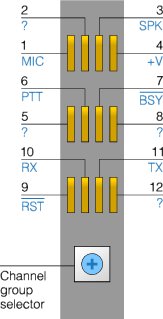
The pinout of the internal switch pack connector at the right side of
the radio is based on information found on the internet, mainly from
Brooke Clarke [3], and is subject to change. If you have additional
information, please contact us.
|
MIC Microphone - ?
SPK Speaker (out) +V 3V (out) GND Ground PTT Push-To-Talk ? busy pips - ?
? reset RX Data in TX Data out - ?
|
|
|
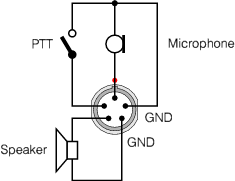
Base on the pinout of the 5-pin LEMO socket given above, a suitable
headset or microphone/speaker combination with Push-To-Talk (PTT),
should be wired as shown in the diagram on the right. The pinout
of the LEMO socket is given when looking into the socket on top of the
radio.
|
|
|
EZPRR Enhanced Encrypted Personal Role Radio GPS Global Positioning System LPD Low Probability of Detection LPI Low Probability of Intercept PC Personal Computer PRR Personal Role Radio PTT Push To Talk SF Special Forces USB Universal Serial Bus
|
- AESP-5820-B-150-201, EZPRR - Operating Information
Unavailable.
- AESP-5820-L-265-201, Casualty Locating Beacon (CLB)
Unavailable.
- AESP-5820-C-108-201, CLB Information Management System (IMS)
Unavailable.
|
|
|
|
Any links shown in red are currently unavailable.
If you like the information on this website, why not make a donation?
© Crypto Museum. Created: Tuesday 26 May 2015. Last changed: Wednesday, 05 November 2025 - 13:03 CET.
|
 |

|
|
|